Drop SEVAN last on the master bus. It reads the whole mix and turns it into living light — nebulae, 3D spectrum terrain, particles that spell your words. Then it renders the picture frame-by-frame into an MP4 with the sound, up to 4K. No screen capture, no dropped frames — the same on any GPU.
Поставьте SEVAN последним на мастер-шину. Он слышит весь микс и превращает его в живой свет — туманности, 3D-рельеф спектра, частицы, которые складываются в ваши слова. А потом кадр за кадром рендерит картинку в MP4 со звуком, вплоть до 4K. Без захвата экрана и пропущенных кадров — одинаково на любой видеокарте.
Free modeVST3, AU and appmacOS 10.13+ and Windows 10/11up to 4K62 presets
Бесплатный режимVST3, AU и приложениеmacOS 10.13+ и Windows 10/11до 4K62 пресета
Визуализаторы вроде ZGameEditor живут только внутри одной программы. SEVAN работает в Logic, Cubase, FL Studio, Ableton, Reaper, Studio One и Bitwig — как обычный плагин на мастере — и отдельным приложением на компьютере. Он не записывает экран: когда вы делаете экспорт звука, SEVAN считает каждый кадр из самого звука и собирает готовый MP4 со звуком. То, что вы видите вживую, и то, что окажется в файле, — одно и то же.
Visualizers like ZGameEditor live only inside one program. SEVAN runs in Logic, Cubase, FL Studio, Ableton, Reaper, Studio One and Bitwig — as an ordinary plug-in on the master — and as a standalone app on your computer. It does not capture the screen: when you export audio, SEVAN computes every frame from the sound itself and builds a finished MP4 with audio. What you see live and what lands in the file are one and the same.
Последним в цепи
Last in the chain
Место SEVAN — в самом конце мастер-шины, после всей обработки. Он слышит готовый микс целиком: полосы спектра, удары, стерео, темп и позицию в такте берутся от хоста. Картинка движется от звука, а не от таймера, поэтому экспорт повторяем до кадра — хоть сто раз подряд, результат один.
SEVAN belongs at the very end of the master bus, after all processing. It hears the finished mix as a whole: spectrum bands, transients, stereo, tempo and bar position come from the host. The picture moves from the sound, not from a timer, so the export is repeatable to the frame — run it a hundred times and the result is identical.
Слои
Layers
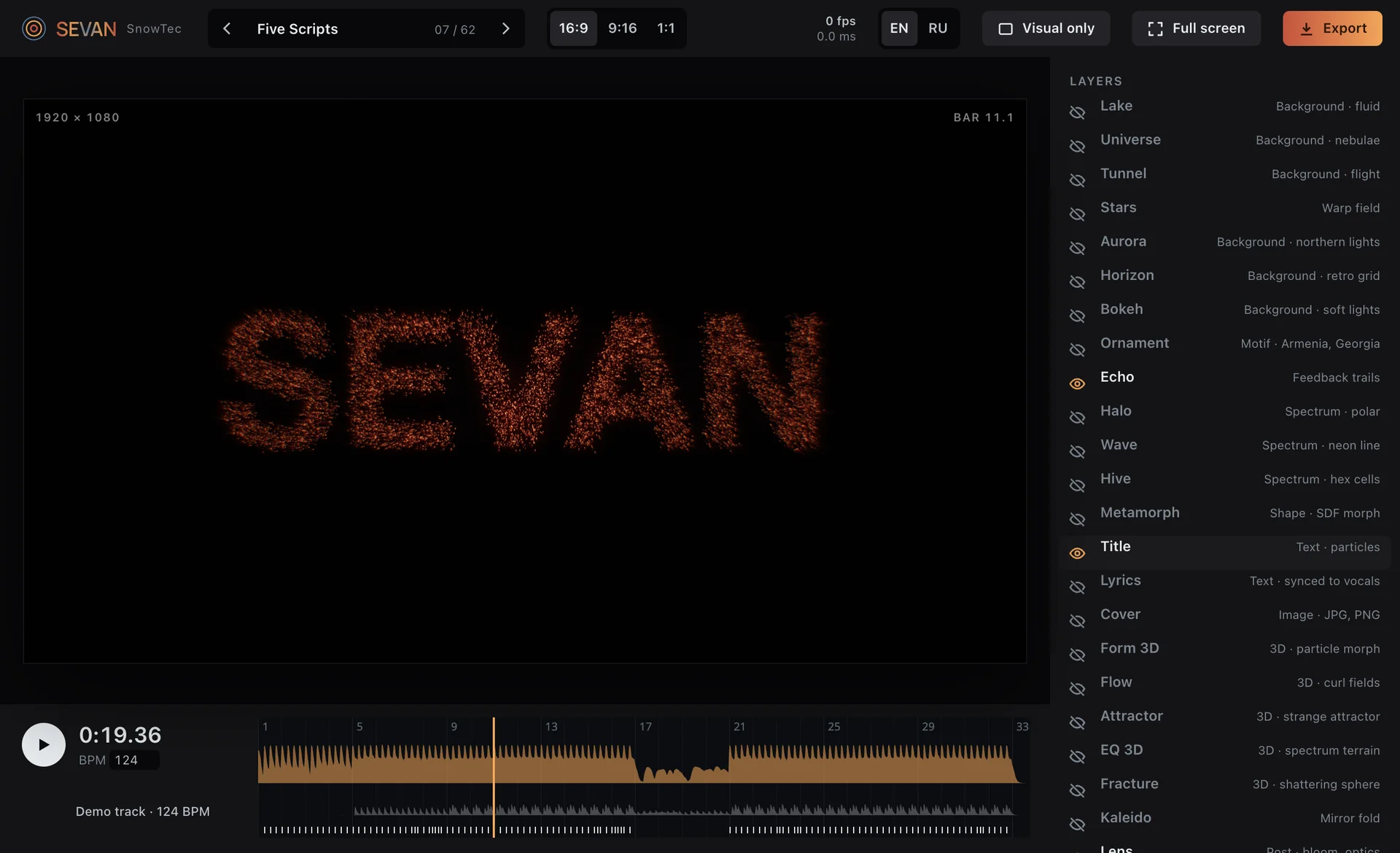
Картинка собирается из слоёв, как в графическом редакторе: включаете нужные, двигаете их параметры, вешаете модуляцию от полос и ударов. Сверху — оптика: свечение, боке, лёгкий хроматизм.
The picture is built from layers, like in a graphics editor: switch on the ones you need, move their parameters, map modulation from bands and hits. On top sits the optics: bloom, bokeh, a touch of chromatic aberration.
TEXTнадпись и текст песни из частиц, в пяти письменностяхtitle and lyrics made of particles, in five scripts
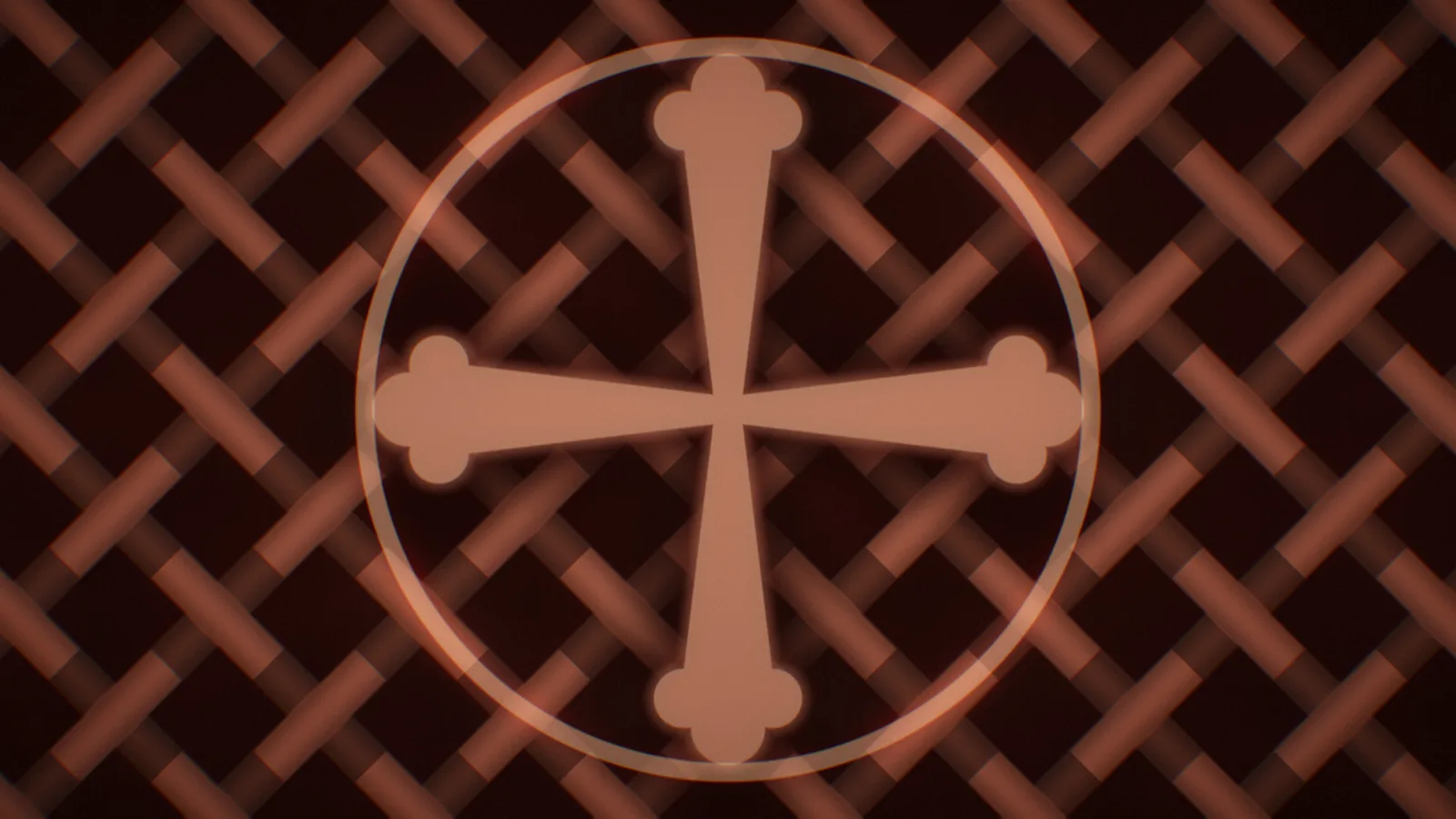
ORNAMENTмотивы Армении и Грузии: аревахач, хачкар, борджгалиArmenian and Georgian motifs: arevakhach, khachkar, borjgali
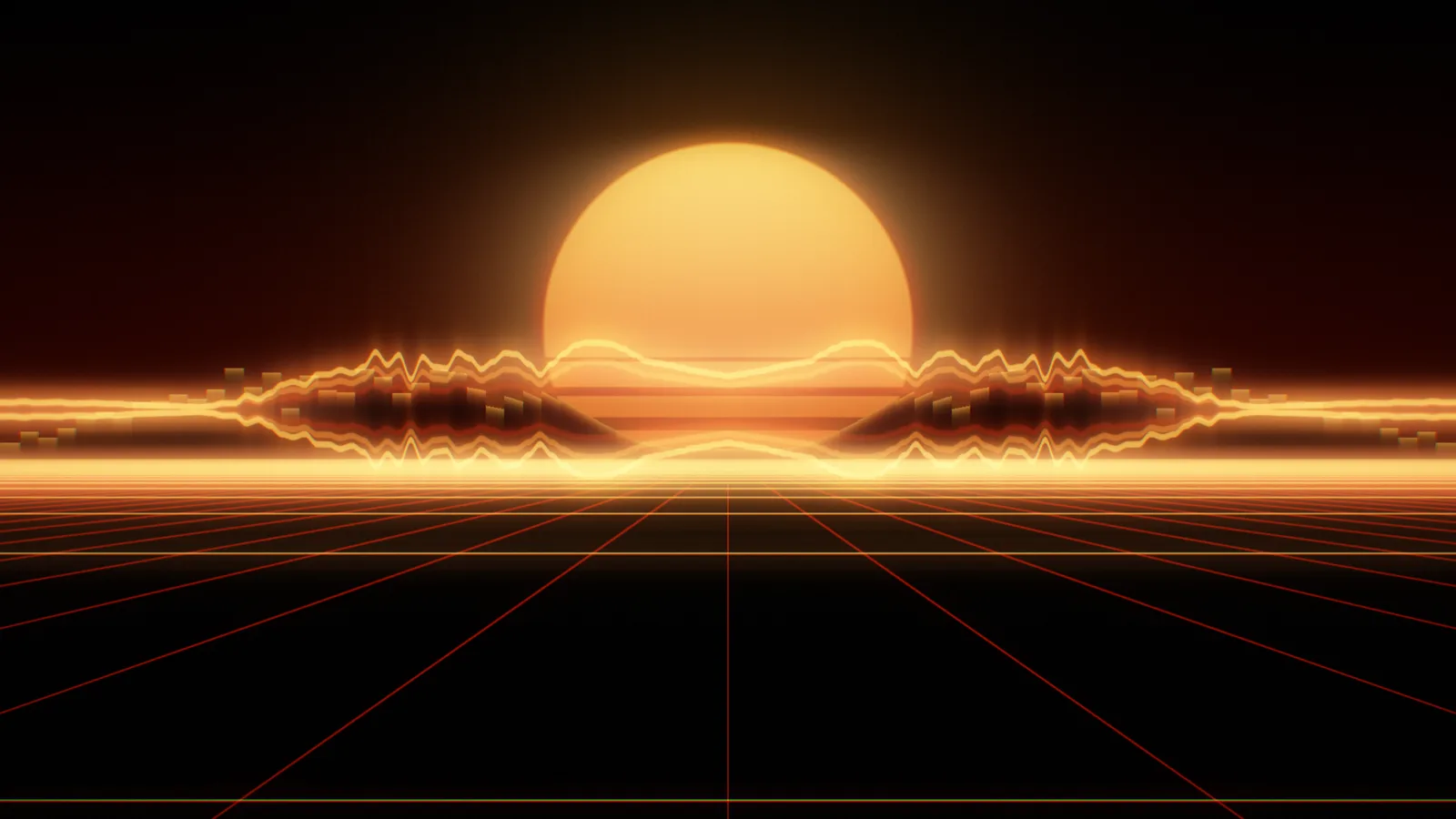
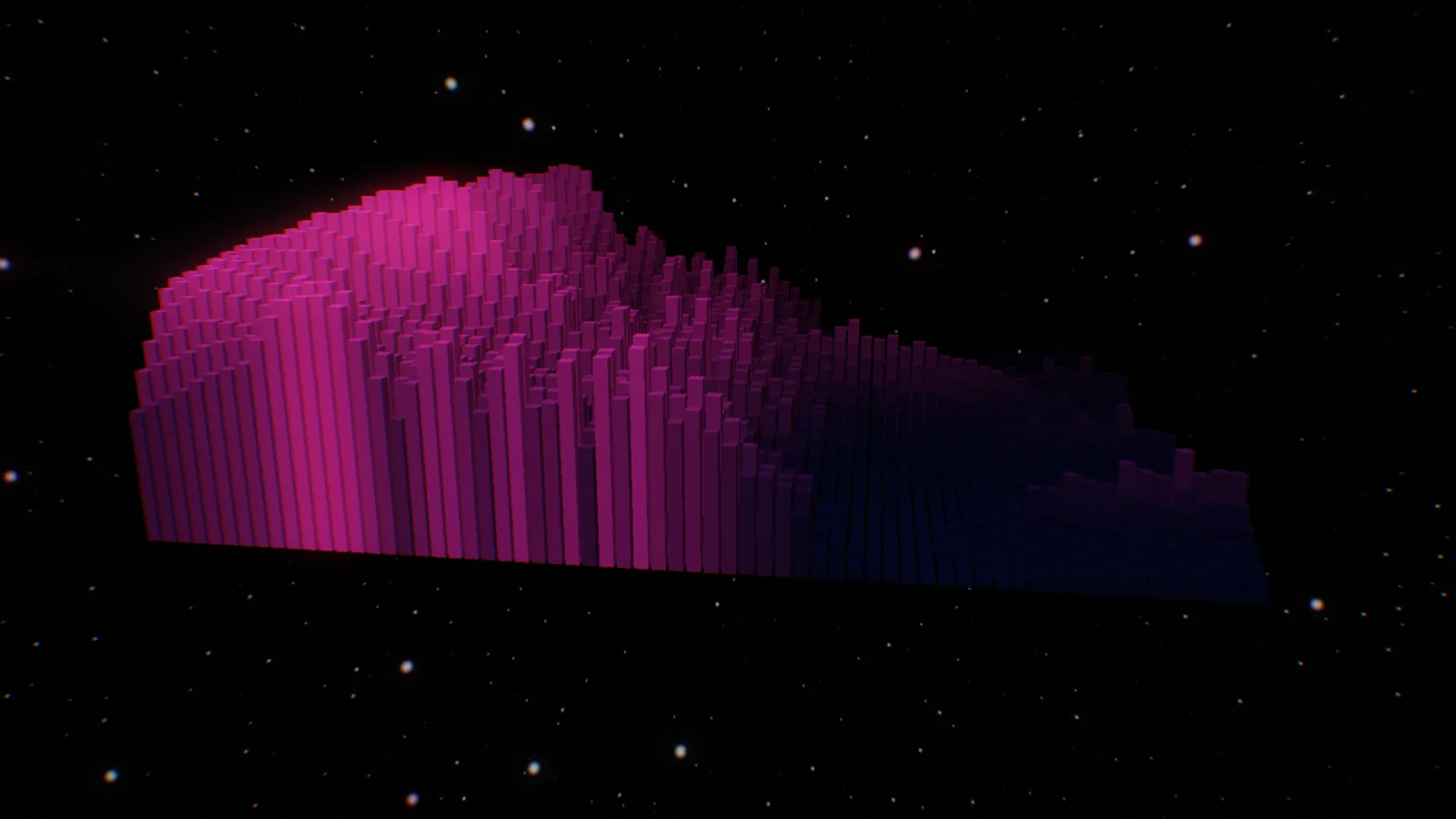
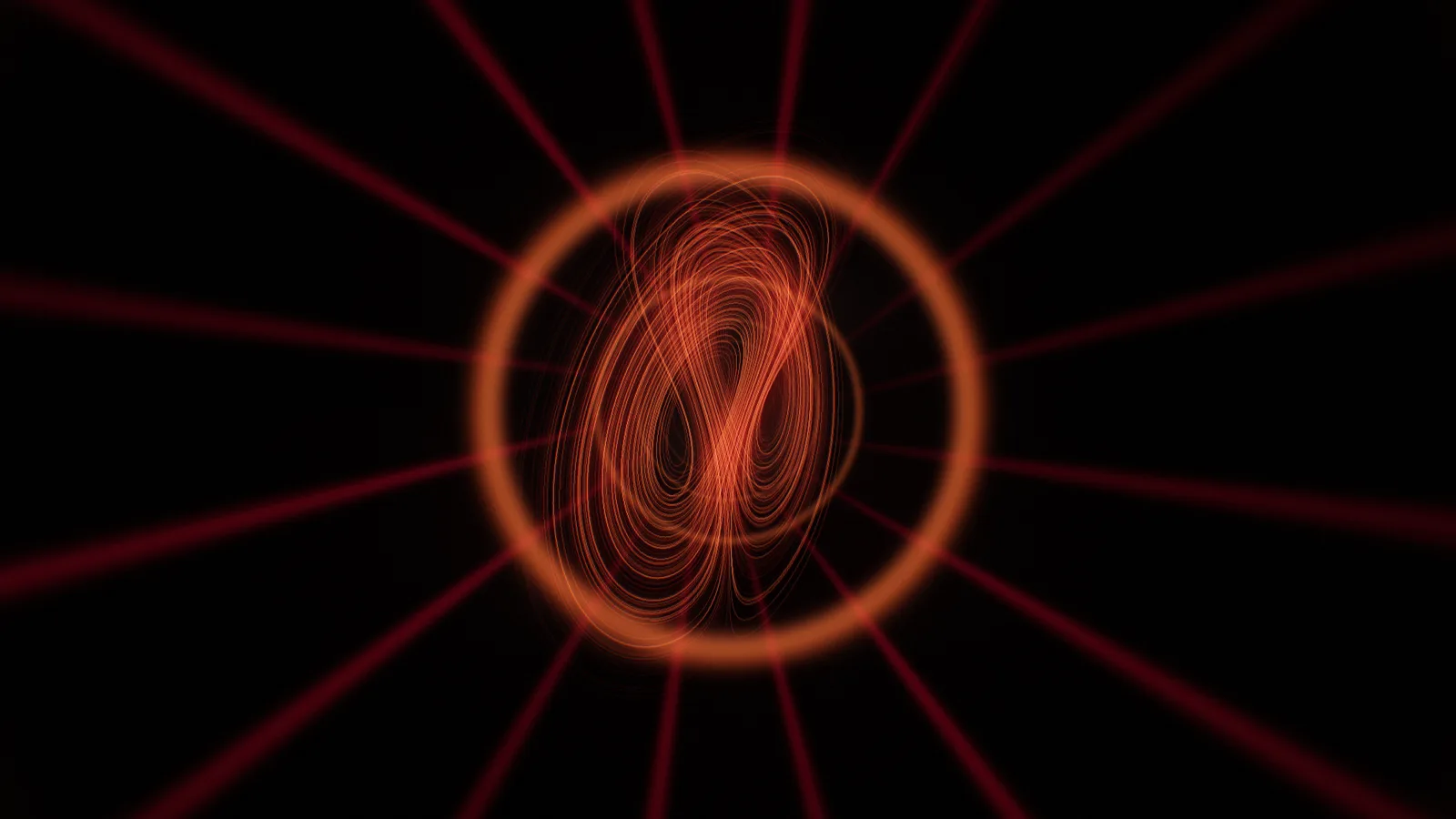
62 пресета — от спокойной глади озера до неонового города, разлома и морфинга. Каждый перебирается стрелками прямо в шапке; свои сохраняются рядом.
62 presets — from a calm lake to a neon city, a fracture, a morph. Step through them with the arrows in the header; your own save alongside.
Гладь озера
Шесть из 62 пресетов — каждый живёт от звука в реальном времени.Six of the 62 presets — each one lives off the sound in real time.
Текст песни
Lyrics
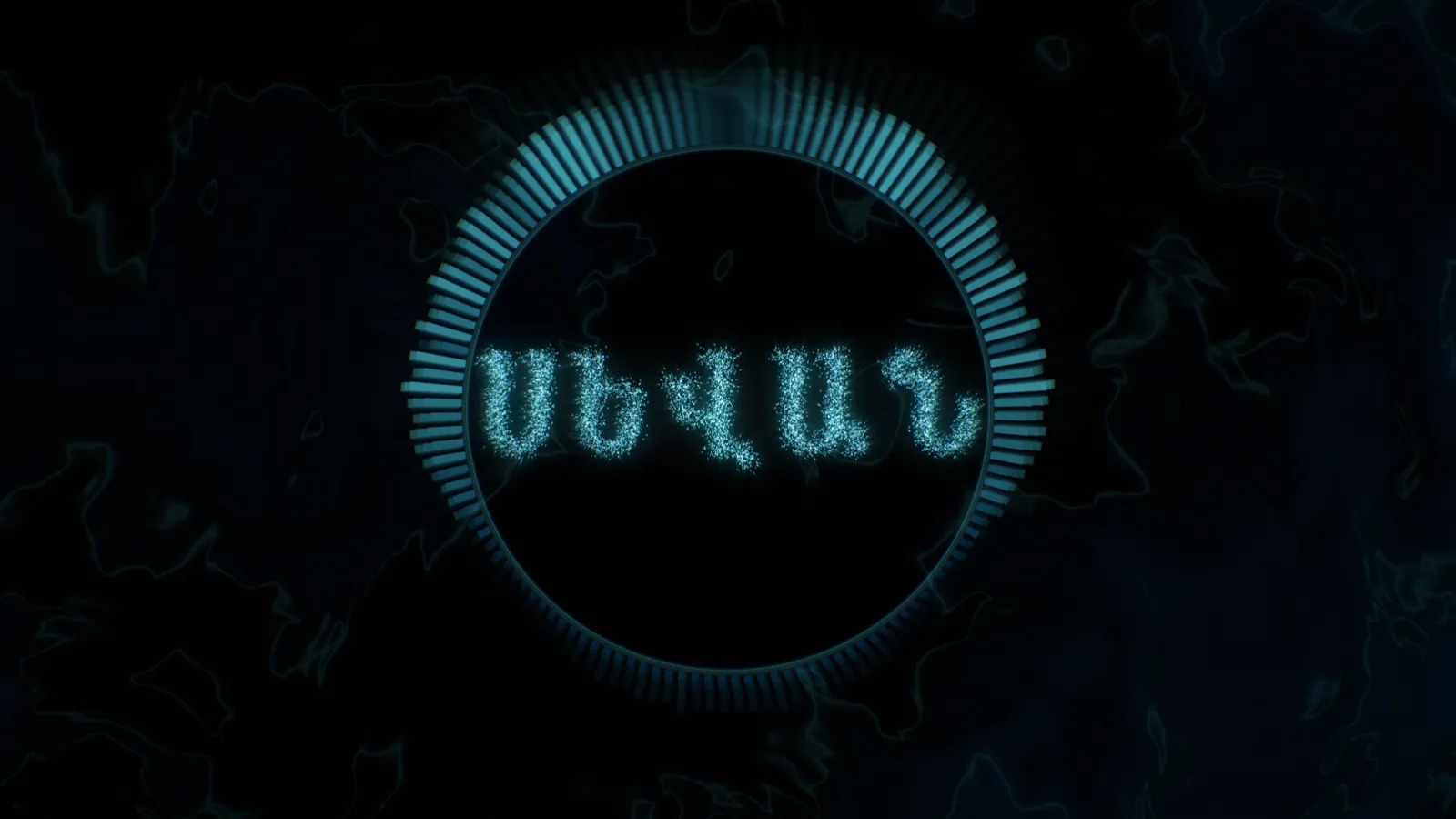
Отдельный слой выводит слова песни и подсвечивает их в такт голосу. Вставьте текст — SEVAN распознаёт вокал и сам расставляет слова по времени; или принесите готовый .lrc. Распознавание работает на 17 языках, а буквы складываются из частиц в пяти письменностях: латиница, кириллица, армянская, грузинская и арабская (справа налево, со связным письмом).
A dedicated layer shows the song’s words and lights them up in time with the voice. Paste the lyrics and SEVAN recognises the vocal and places the words in time by itself; or bring a ready .lrc. Recognition works in 17 languages, and the letters form from particles in five scripts: Latin, Cyrillic, Armenian, Georgian and Arabic (right-to-left, with joined letters).
Слова встают из частиц в такт голосу — распознано автоматически.Words form from particles in time with the voice — recognised automatically.
SEVANСЕВАНՍԵՎԱՆსევანიسيفان
Файл, картинку-обложку, .txt или .lrc можно просто бросить в окно плагина.
A track, a cover image, a .txt or .lrc — just drop it onto the plug-in window.
Экспорт
Export
Не захват экрана, а офлайн-рендер кадр в кадр.
Not a screen grab, but a frame-accurate offline render.
Из DAW и из приложения
From the DAW and the app
В DAW просто сделайте экспорт звука — SEVAN соберёт видео сам, без «Create Video». В отдельном приложении загрузите трек и нажмите рендер. На выходе — MP4 с вашим звуком.
In a DAW just export the audio — SEVAN builds the video itself, no “Create Video”. In the standalone app load a track and hit render. The output is an MP4 with your sound.
До 4K, 16:9, 9:16 и 1:1
Up to 4K, 16:9, 9:16 and 1:1
Выбираете формат кадра, разрешение, частоту и имя файла. В 9:16 картинка не обрезается — геометрия меряется по короткой стороне, поэтому вертикаль для рилсов выглядит так же цельно, как ширина.
Pick the aspect, resolution, frame rate and file name. In 9:16 the picture is not cropped — geometry is measured by the short side, so a vertical for reels reads as whole as the wide one.
Кадр в кадр
Frame for frame
Каждый кадр рисуется из самого звука, время привязано к сэмплам. Ни одного пропущенного кадра и никакой зависимости от мощности видеокарты — файл детерминирован.
Every frame is drawn from the audio itself, time locked to samples. No dropped frames and no dependence on GPU power — the file is deterministic.
Окно
The window
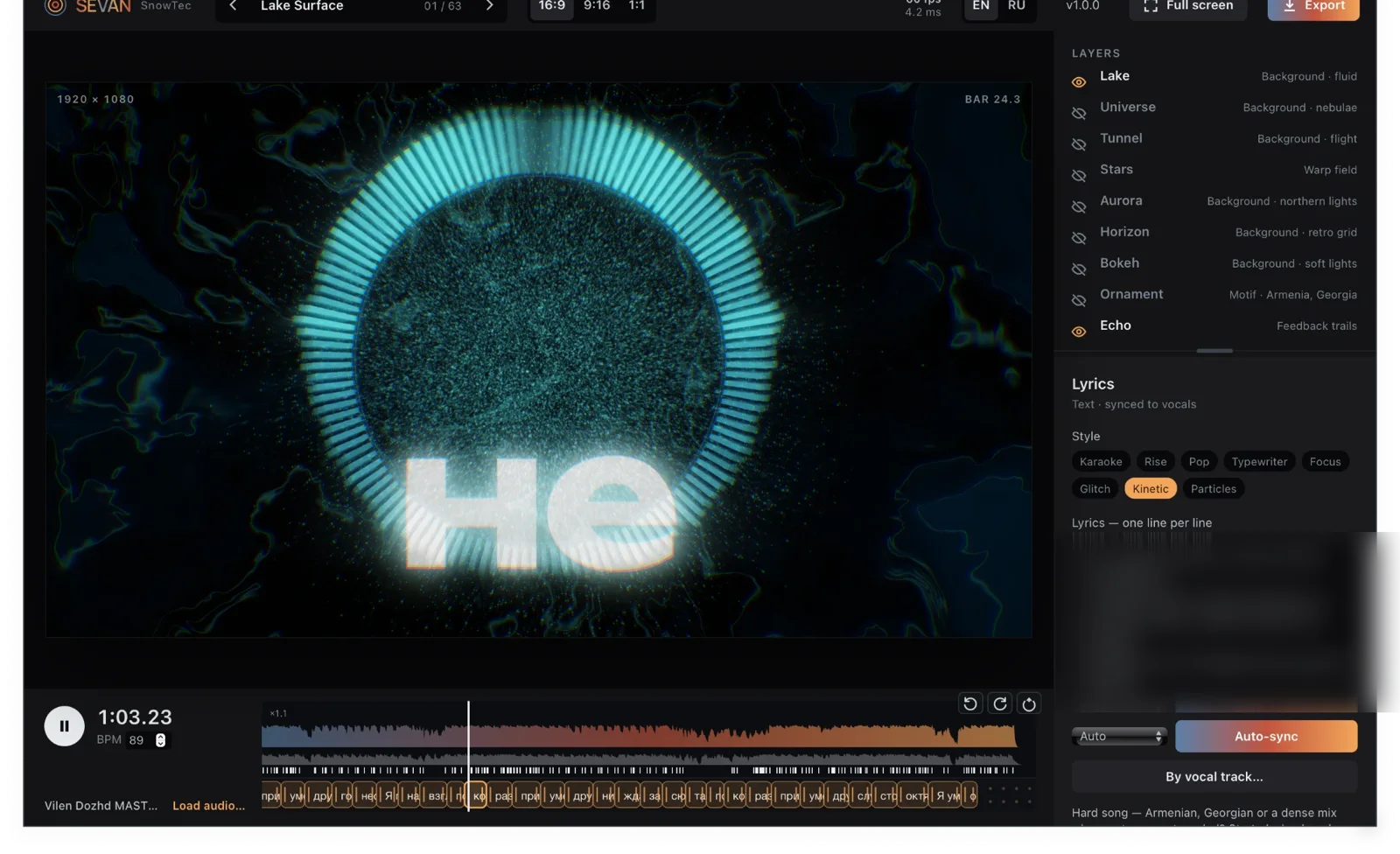
Слева — живой кадр, справа — слои и их параметры. Переключатель RU / EN, свои пресеты, двойной щелчок по ползунку возвращает его на место, горячая клавиша D — полный экран. Окно тянется за угол, и плагин масштабируется целиком.
On the left the live frame, on the right the layers and their parameters. An RU / EN switch, your own presets, a double-click resets a slider, the D key goes full screen. Drag the corner and the whole plug-in scales.
Окно плагина масштабируется до 2× без потери резкости; тот же интерфейс и в приложении.The plug-in window scales up to 2× without losing sharpness; the same interface in the app.
Скачать бесплатно
Download free
Пресеты, текст песни и работа в редакторе — без ограничений. Водяной знак SnowTec — на полноэкранном выводе и в экспортируемом видео (до 720p). Ключ снимает знак и открывает экспорт до 4K.
Presets, lyrics and editing — with no limits. A SnowTec watermark appears on the full-screen output and the exported video (up to 720p). A key removes it and unlocks export up to 4K.
macOS 10.13 и новее, Intel и Apple Silicon · Windows 10/11 64 бита · VST3, AU и приложение
macOS 10.13 and newer, Intel and Apple Silicon · Windows 10/11 64-bit · VST3, AU and the app
Обновляетесь? Закройте DAW перед установкой и поставьте новую версию поверх старой. Windows не заменяет файл плагина, который сейчас используется: установка пройдёт «успешно», а версия останется прежней. Ключ вводить заново не нужно.
Updating? Close your DAW before installing, then install over the old version. Windows will not replace a plug-in file that is in use: the installer reports success and you stay on the old version. You do not re-enter your key.
Купить лицензию
Buy a licence
Ключ снимает водяной знак и открывает экспорт до 4K. Придёт на почту сразу после оплаты.
The key removes the watermark and unlocks export up to 4K. It arrives by e-mail instantly.
SEVAN входит в комплект Ultimate — со скидкой, если берёте всю линейку сразу.
SEVAN is included in the Ultimate bundle — at a discount if you take the whole line at once.
История изменений
What changed
1.0.0
Первый выпуск. Слои фона, спектра, 3D и частиц, оптика (свечение, боке, хроматизм), 62 пресета, орнаменты Армении и Грузии, текст песни с автосинхронизацией на 17 языках и в пяти письменностях, офлайн-экспорт MP4 со звуком до 4K (16:9, 9:16, 1:1), drag-and-drop трека, картинки, .txt и .lrc, полный экран по клавише D, RU/EN. VST3, AU и приложение для macOS и Windows.
First release. Layers of background, spectrum, 3D and particles, optics (bloom, bokeh, chromatic aberration), 62 presets, Armenian and Georgian ornaments, lyrics with auto-sync in 17 languages and five scripts, offline MP4 export with audio up to 4K (16:9, 9:16, 1:1), drag-and-drop of a track, image, .txt and .lrc, full screen on the D key, RU/EN. VST3, AU and the app for macOS and Windows.